GDocsDrop
The Open-Source Google Docs, Sheets & Slides Launcher for Windows Explorer.






Why GDocsDrop?
Stop staring at blank white Office icons when you live in Google Workspace.
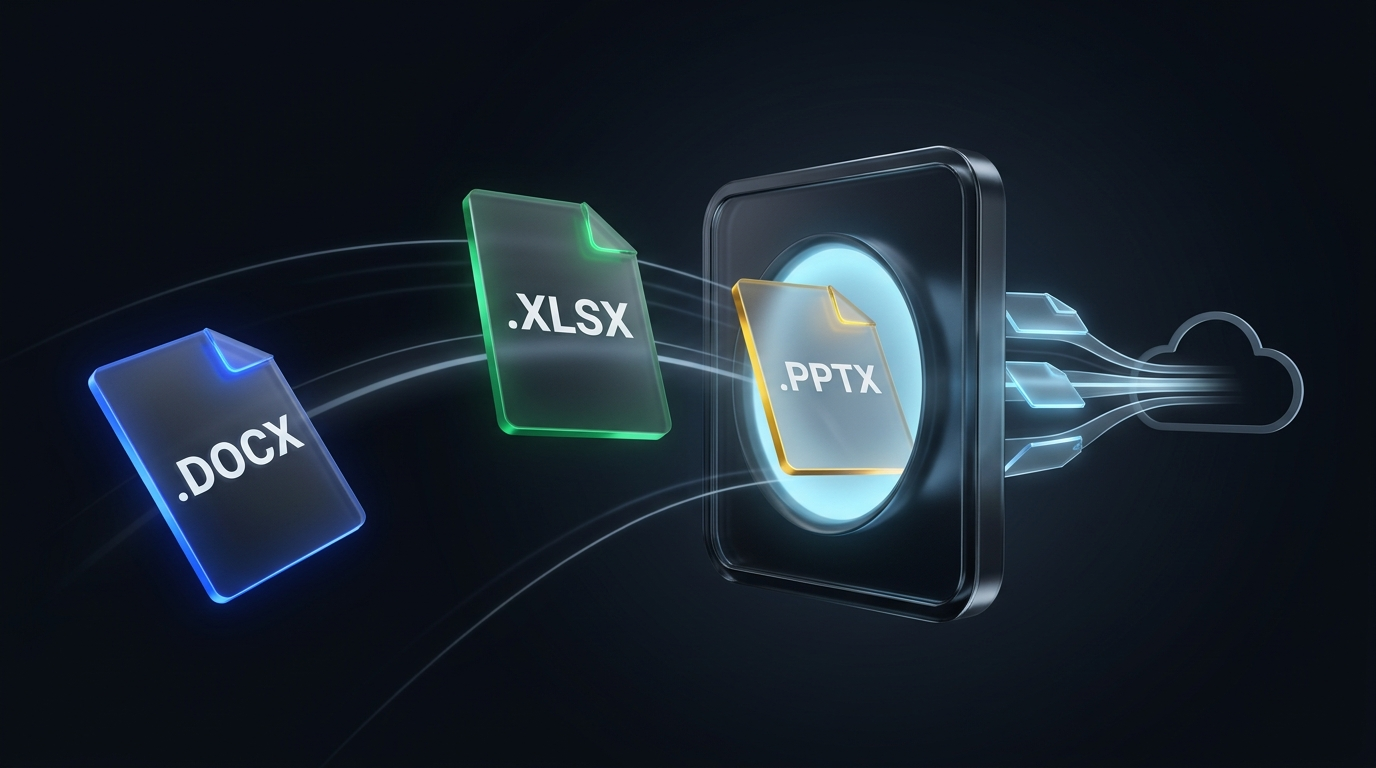
When a Windows PC doesn't have Microsoft Office installed, downloaded .docx, .xlsx, and .pptx files sit in your Downloads folder as blank white files with no app to open them. GDocsDrop solves that cleanly in ~117 KB with zero third-party runtimes: drop a document or double-click it right in Explorer, and GDocsDrop syncs via your active Google Drive for Desktop session, reads Drive's NTFS cloud ID streams, and launches the live Google Docs, Sheets, or Slides editor in your browser.
1. Download
Grab the standalone GDocsDrop-Windows.exe binary from this page (~117 KB). No Python, Electron, or Office installation needed.
2. Drop or Double-Click
Enable File Icons & Double-Click to turn blank .docx, .xlsx, and .pptx files into Google Docs, Sheets, and Slides icons—or drag them onto the Drop Zone.
3. Open in Google Docs
A sleek dark HUD syncs via G:\My Drive, deduplicates unchanged files by SHA-256, and opens the cloud editor under your exact Drive account.
Technical Specifications & Features
Zero-Secret Architecture Built on Native Win32 & .NET 4.x.
Zero-Secret DriveFS Sync
Reads :user.drive.id and :user.drive.email NTFS Alternate Data Streams via Win32 CreateFileW—never stores OAuth client secrets or refresh tokens on disk.
SHA-256 Cache & Edit Safety
Identical files reopen instantaneously from your existing Google Drive copy, while modified files with colliding filenames get a timestamp suffix instead of overwriting edits.
Per-User Explorer Integration
Registers cleanly under HKCU\Software\Classes (no admin/UAC prompt) for .docx, .xlsx, .pptx, .odt, .ods, .odp, and .rtf, plus right-click Send to support for PDFs and Markdown.