PasteRich
The Ultimate Open-Source Markdown to Rich Text Daemon for Windows, macOS, and Linux.






Why PasteRich?
Stop fighting with heavy Electron apps just to format your text.
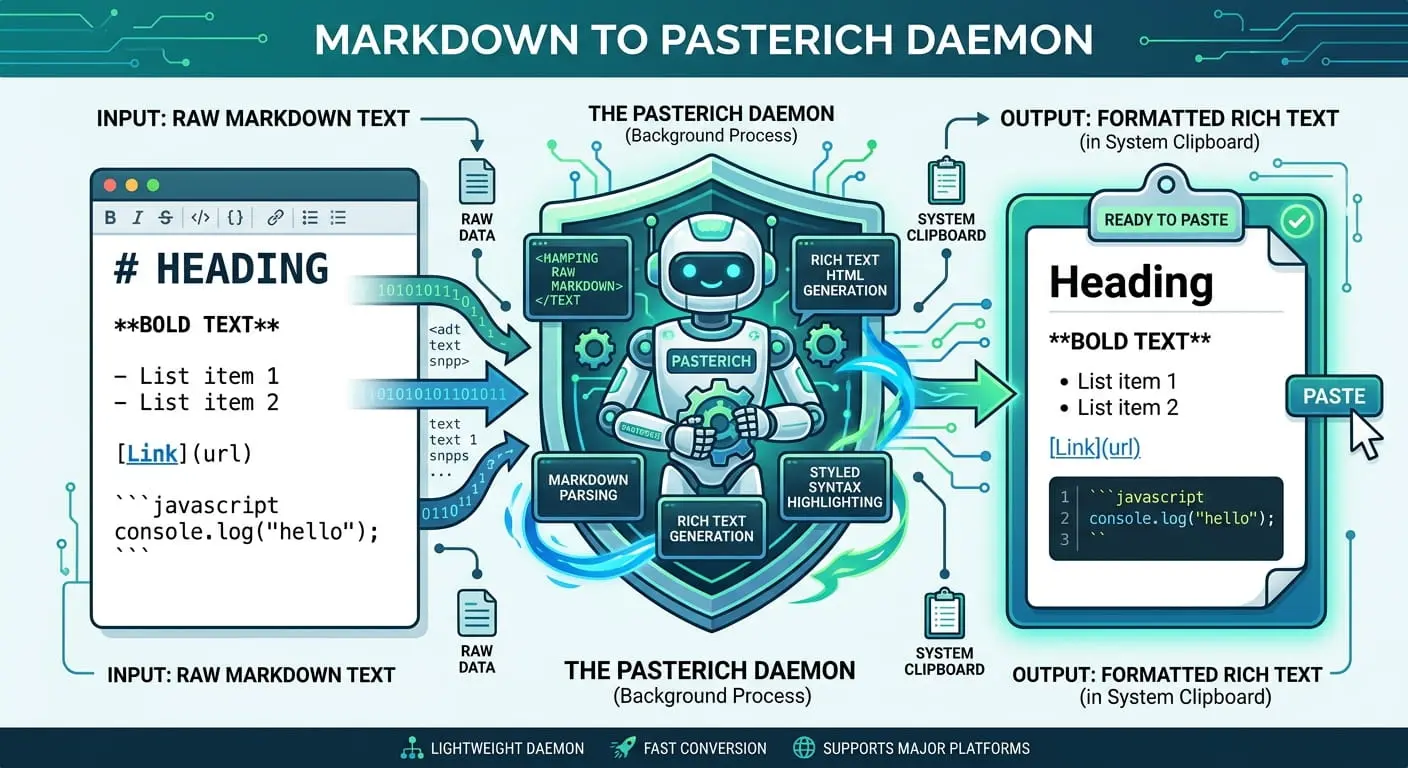
Copying Markdown from AI chats or documentation and pasting it into enterprise applications like Microsoft Word, Outlook, or Teams usually results in a broken mess of asterisks and hashtags. PasteRich is a lightweight Python background daemon that intercepts your global paste shortcut, converts the raw markdown to perfectly formatted Rich Text HTML, and injects it straight into your native OS clipboard via CF_HTML bindings.
1. Download
Grab the standalone compiled executable directly from this page. No installation required! It runs completely in the background.
2. Copy
Copy any text containing Markdown elements (like `**bold**`, `# headers`, or `code blocks`) from ChatGPT, Claude, or your IDE.
3. Paste
Switch to Word, Outlook, or Teams and press F8 to paste perfectly formatted Rich Text instantly.
Technical Specifications & Features
Built for Systems Architects and Power Users.
Pygments Syntax Highlighting
Automatically detects Python, JS, HTML, and other languages in your Markdown code blocks and applies beautiful syntax highlighting (Defaults to Monokai theme).
Dynamic PowerShell UI
Change your global hotkey instantly via a native Windows popup box straight from the system tray. No need to restart the application or manually edit JSON files.
Cross-Platform Architecture
Utilizes native OS bindings: `win32clipboard` for Windows CF_HTML, `NSPasteboard` for macOS RTF, and `xclip` for Linux distributions.